
All free files are for personal use only. Please do not share, resell, or claim any of these files as your own. You can purchase the file with a Commercial License from my shop.

Scroll to the bottom of the post and click on the gray download file button to get your free file.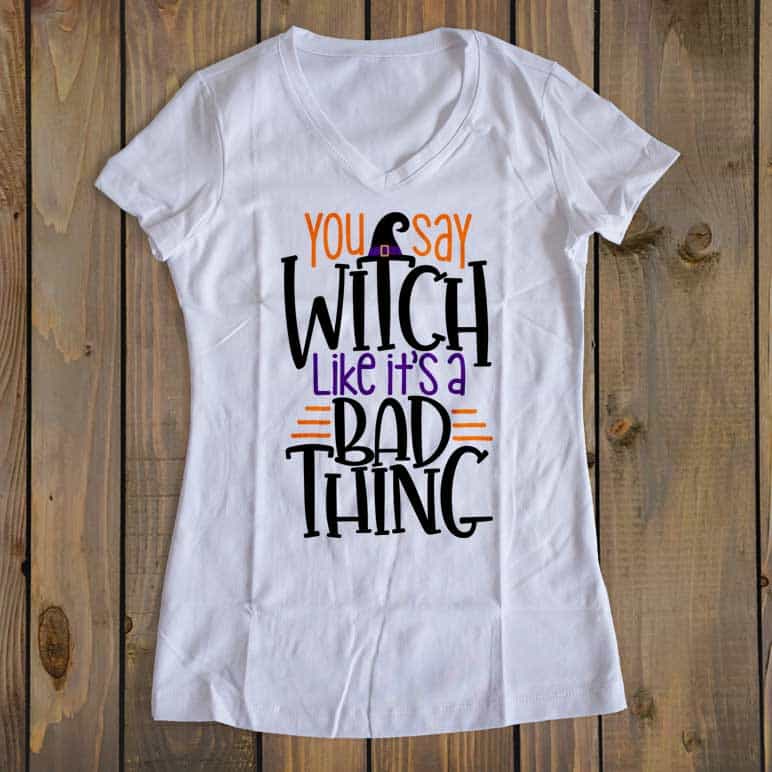
There are 6 different file formats, so they should work with Cricut Explore, Silhouette Machines, and many other digital cutters.
Disclosure: I was not compensated for this post, but will earn a small percentage of sales as an affiliate.
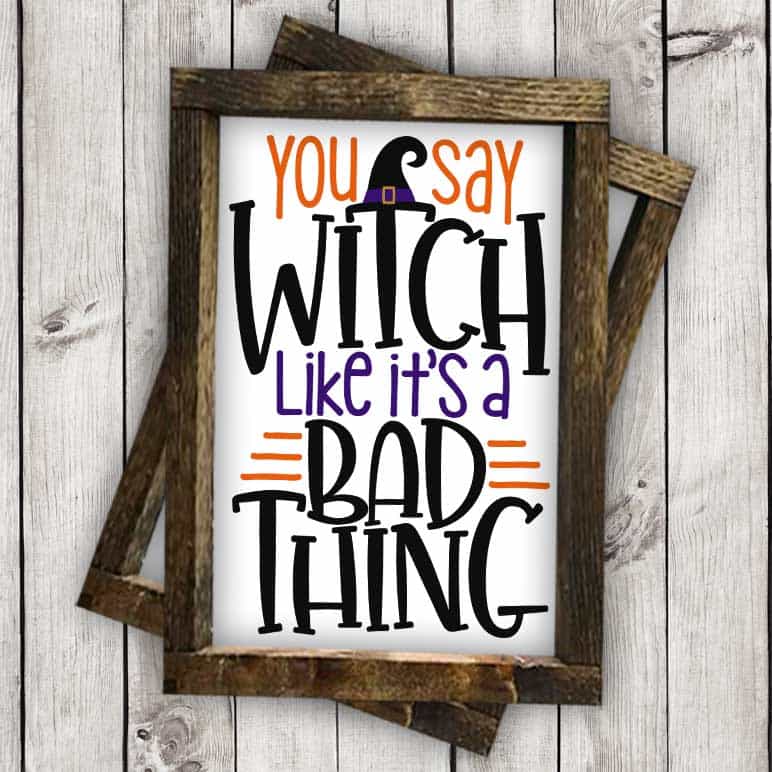
I’ve included .png, .svg, .ai, .eps, .dxf, and .studio in the zip file.

Just click on the button below to download.
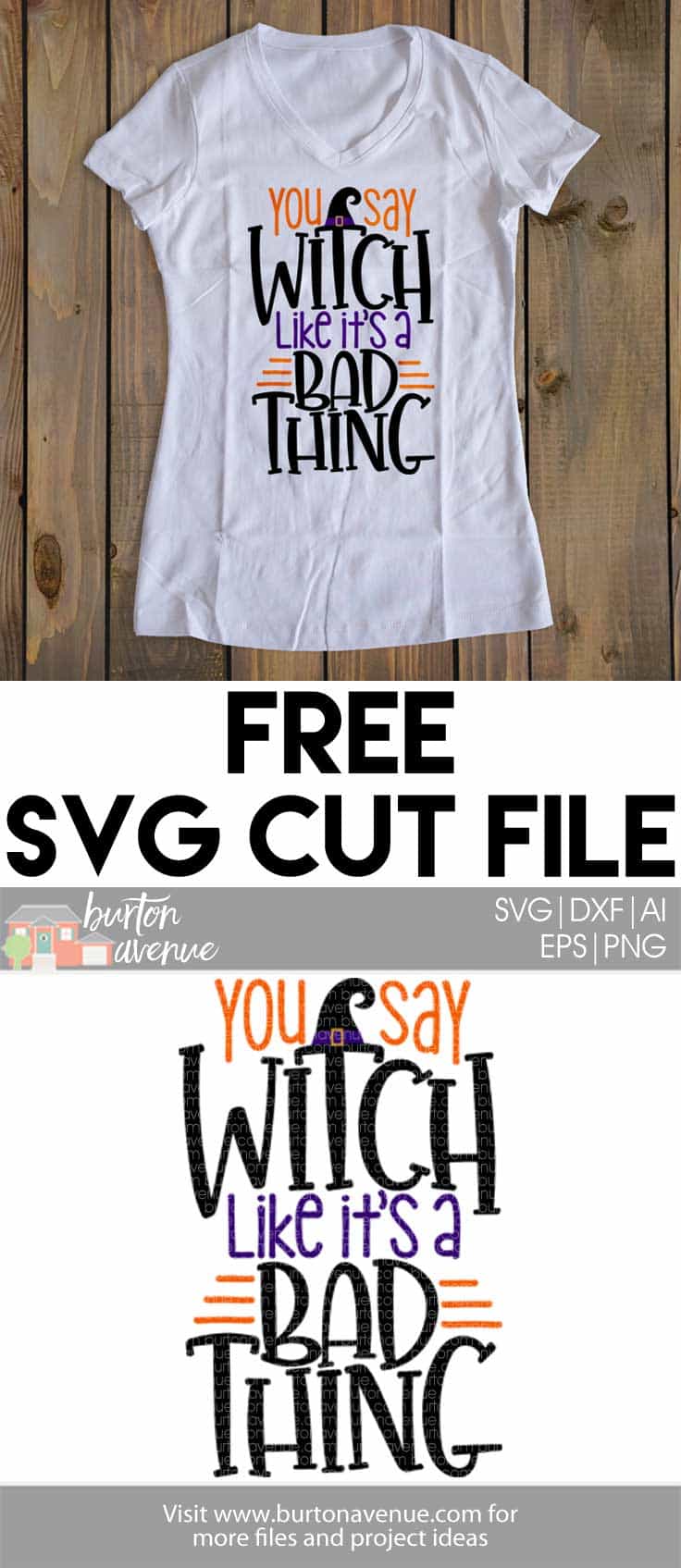
As always, if you have any problems with the files, please let me know. I’ve included .jpg, .png, .svg. .ai, .eps, .dxf, and .studio in the zip file. Just click to download.
NOTE: Some computers/browsers are displaying the .svg file with an extension of html or something similar.


Thank You!
When you put these on t-shirts, do you print them on transfer material or cut them out of the iron-on transfer material from Cricut? I wanted to do the Salem University one but it cuts in tons of little pieces and I need it to cut one piece to then iron it on…
I would cut the design out of vinyl, either adhesive vinyl or HTV vinyl. Both come with a backing so the all the piece will stay in place. Check out this tutorial to see how easy it is to use these grunge designs.
Thank you for the great files!
Thank you!