
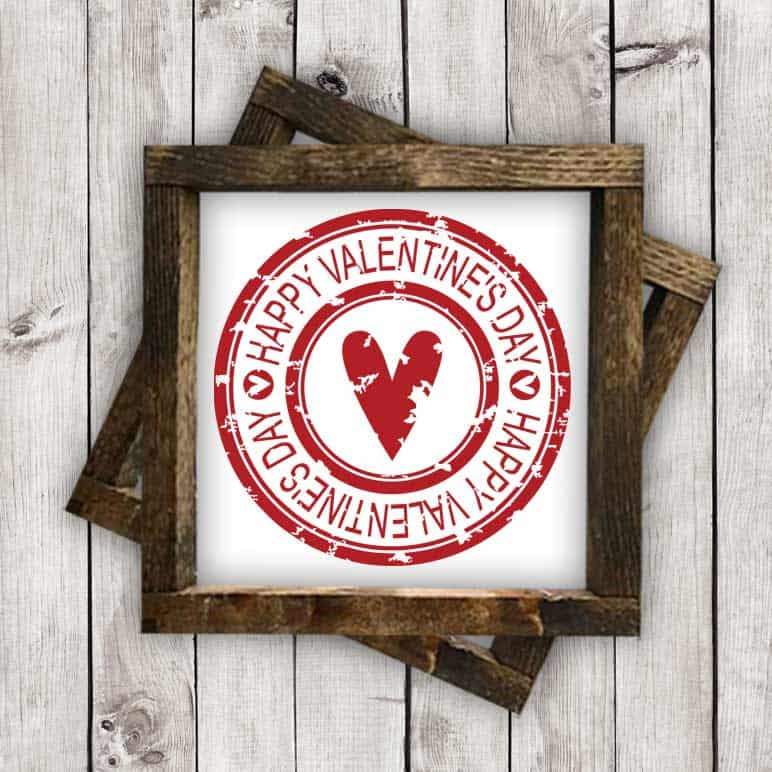
This SVG file was free until 2/22/18. It is no longer free, but it is available for purchase in my shop.


This file comes in 5 formats (.svg, .dxf, .png, .ai, and .eps), so you should be able to use it with Cricut Explore & Maker Machines, Silhouette Machines, and many other digital cutters.
Disclosure: I was not compensated for this post, but will earn a small percentage of sales as an affiliate.
Need help importing SVG files into your cutting software? Check out these step-by-step tutorials to get you started!
How to Import SVG Files into Cricut Design Space
How to Import SVG Files into Silhouette Studio Designer Edition
* You will need the Designer Edition of Silhouette Studio to import SVG files, otherwise, you’ll need to import the DXF file.
How to Import DXF Files into Silhouette Studio

So cute!! I’ve never worked with a grunge file before…is it easy to weed?
Thanks for all your time you give to making these lovely files.
Thanks! The grunge files I make are pretty easy to weed. I spend alot of time moving points around to make them as easy as possible to weed while still keeping the grunge look.